Close the Tabs.
Open Your HomeRoom.
One dashboard. Zero distractions. Start your workday ready to teach.
No student logins • Your data is yours • Free account, no credit card
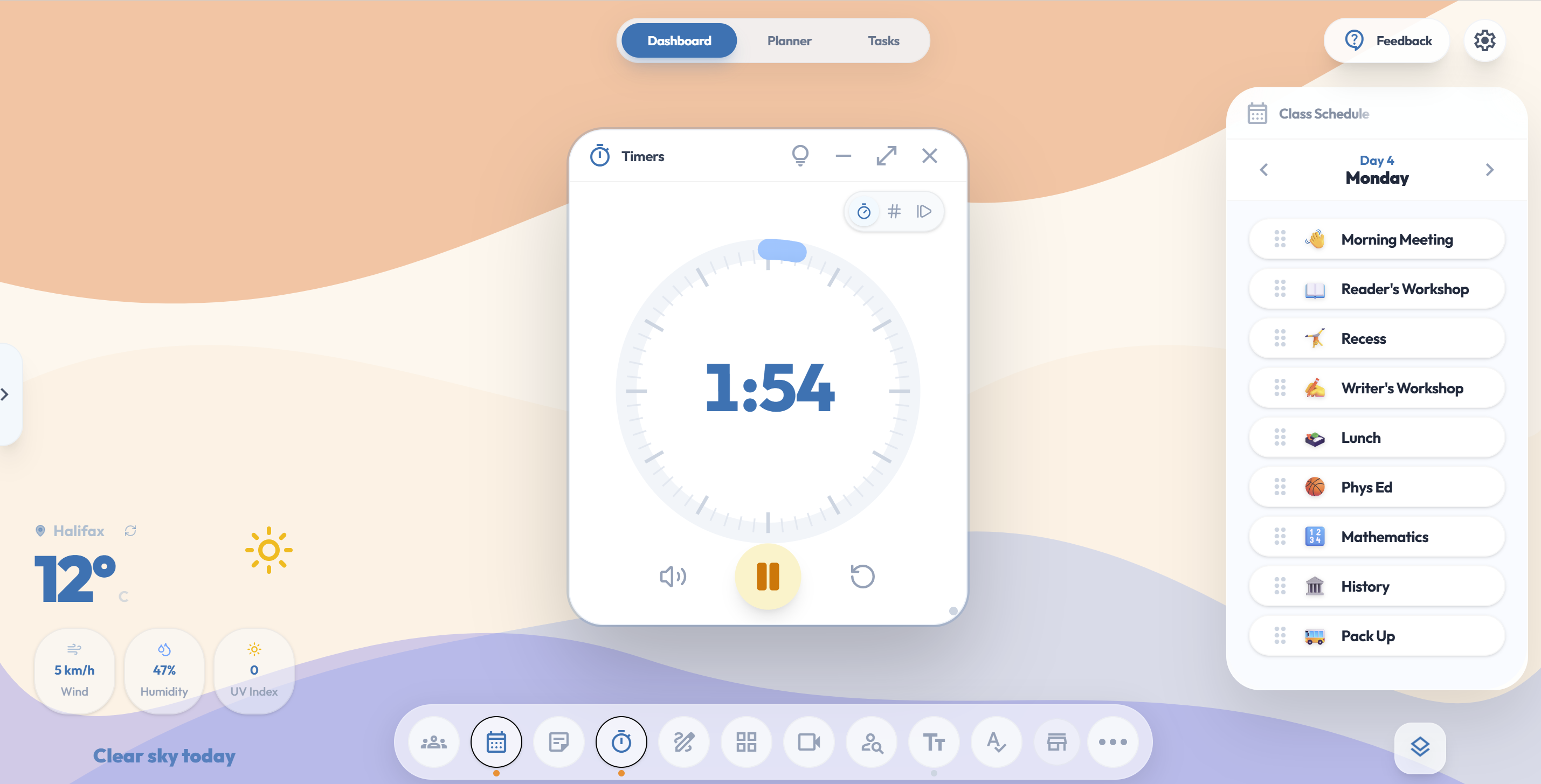
Built for the Whiteboard
No more fumbling with apps. Everything you need is one click away.
Your Classroom, Your Way
Drag, drop, and resize your tools based on the subject or the students in front of you. Create a 'Math Morning' layout or a 'Silent Reading' scene and switch between them in seconds.
Try the dashboard →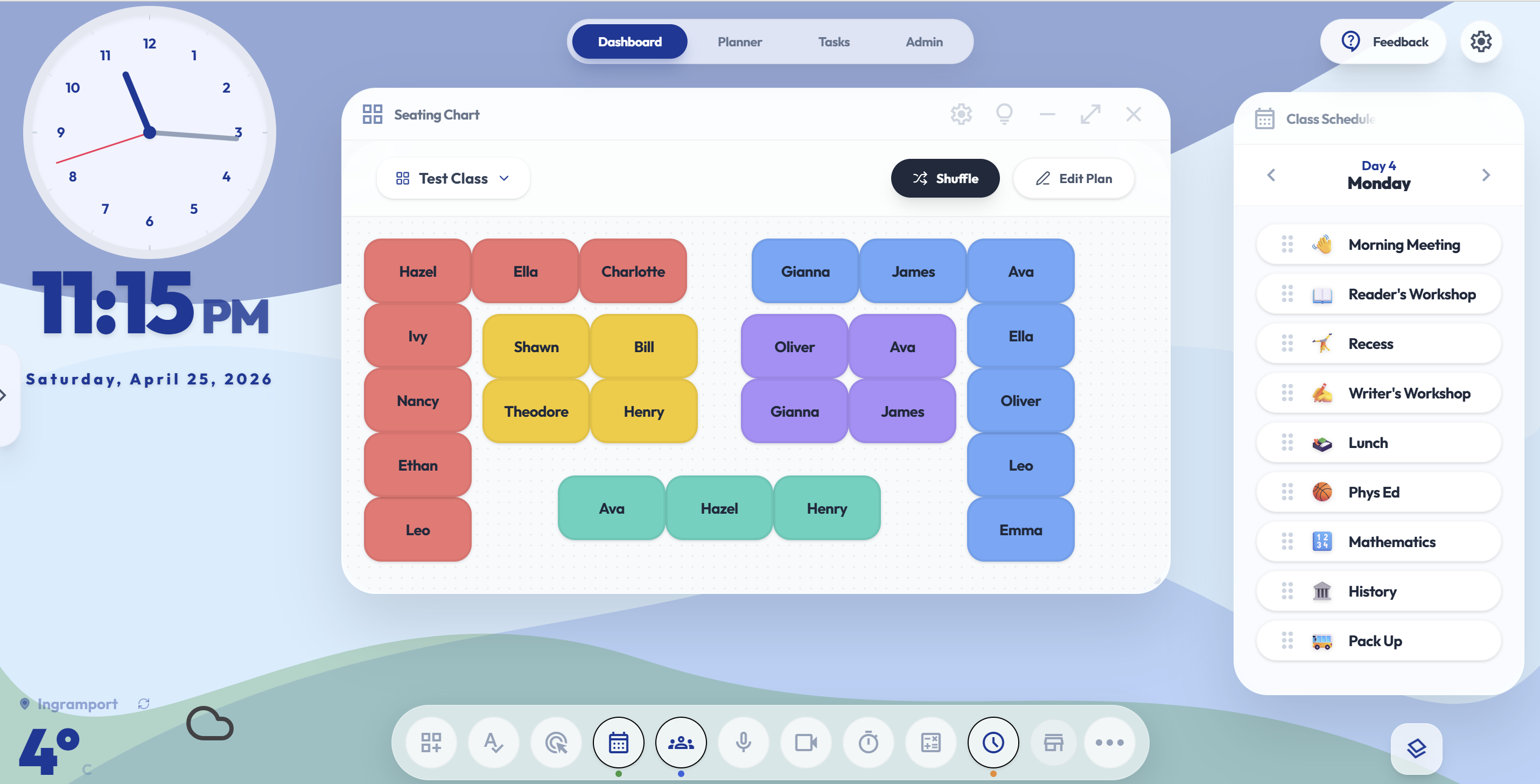
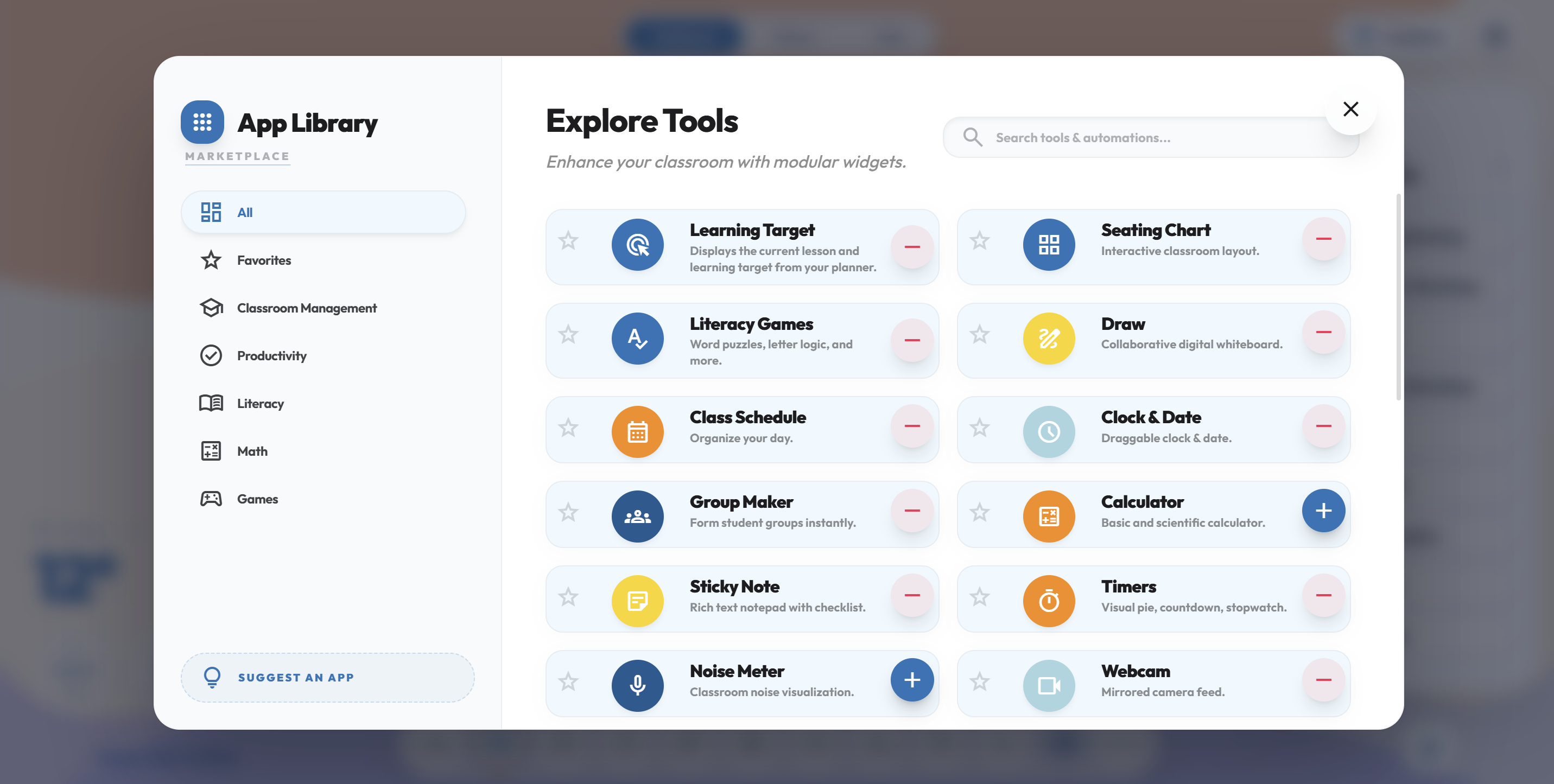
Tools for Every Moment
Choose from over 20+ pro widgets built for the whiteboard. Pin your most-used tools to your personal toolbar for instant access to timers, games, and seating plans, dice, schedule, and much more. New tools are always being added based on teacher feedback!
Fair & Fast Grouping
Stop hearing "that's not fair." Generate instant groups or seating charts with one tap. It’s the perfect companion for a Building Thinking Classrooms approach, allowing you to assign visibly random groups in a single click. Beyond just grouping, it strengthens classroom management and builds a collaborative culture where every student is ready to work with anyone, anytime.
Try the grouping tools →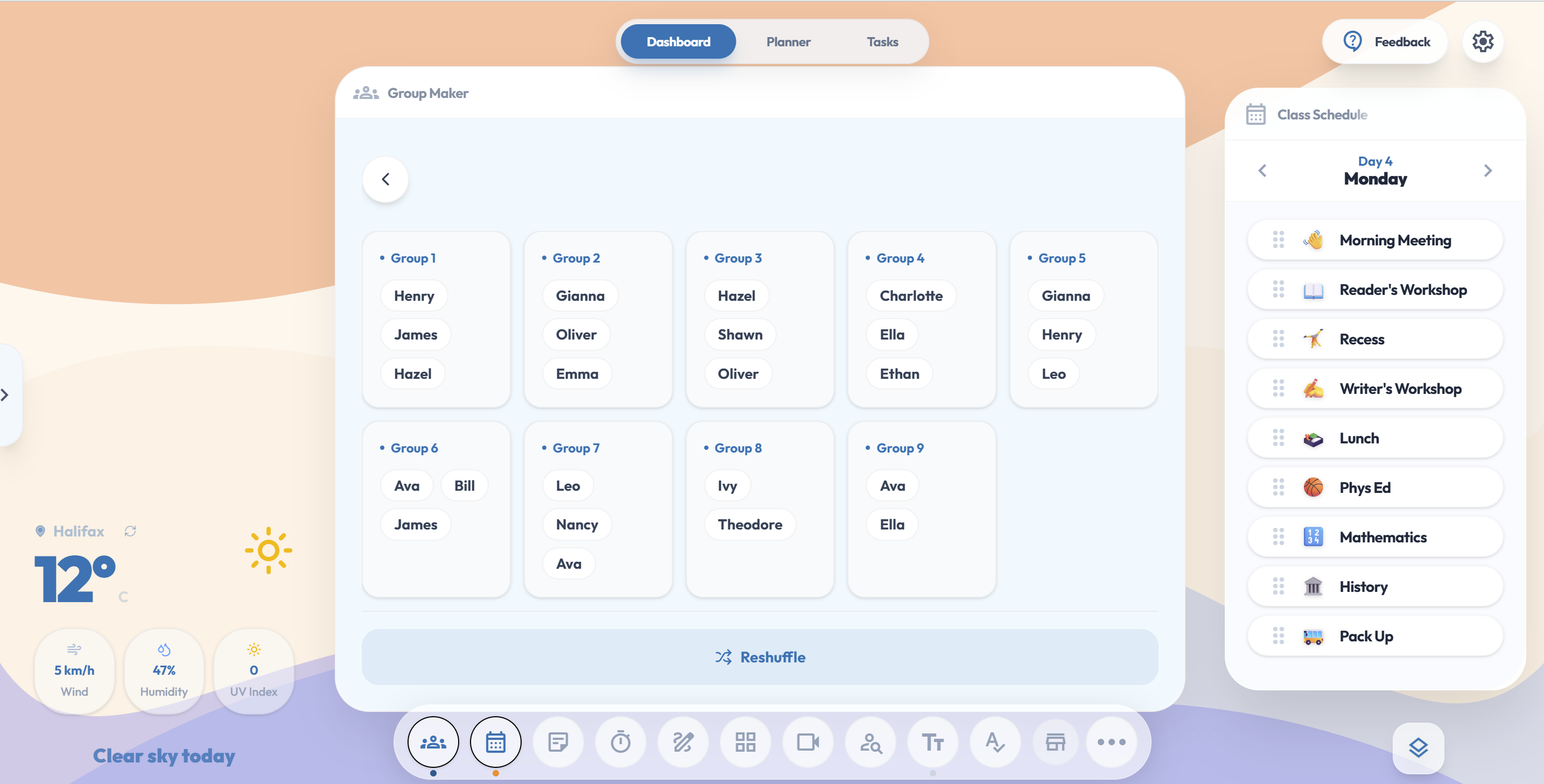
Focus on the Big Picture
When you use HomeRoom as your daily lesson planner, you can easily plan your week in advance. Learning targets from your lessons can even be automatically displayed on your dashboard via the Learning Target widget, saving you time each morning and ensuring both you and your students stay focused on your goals.
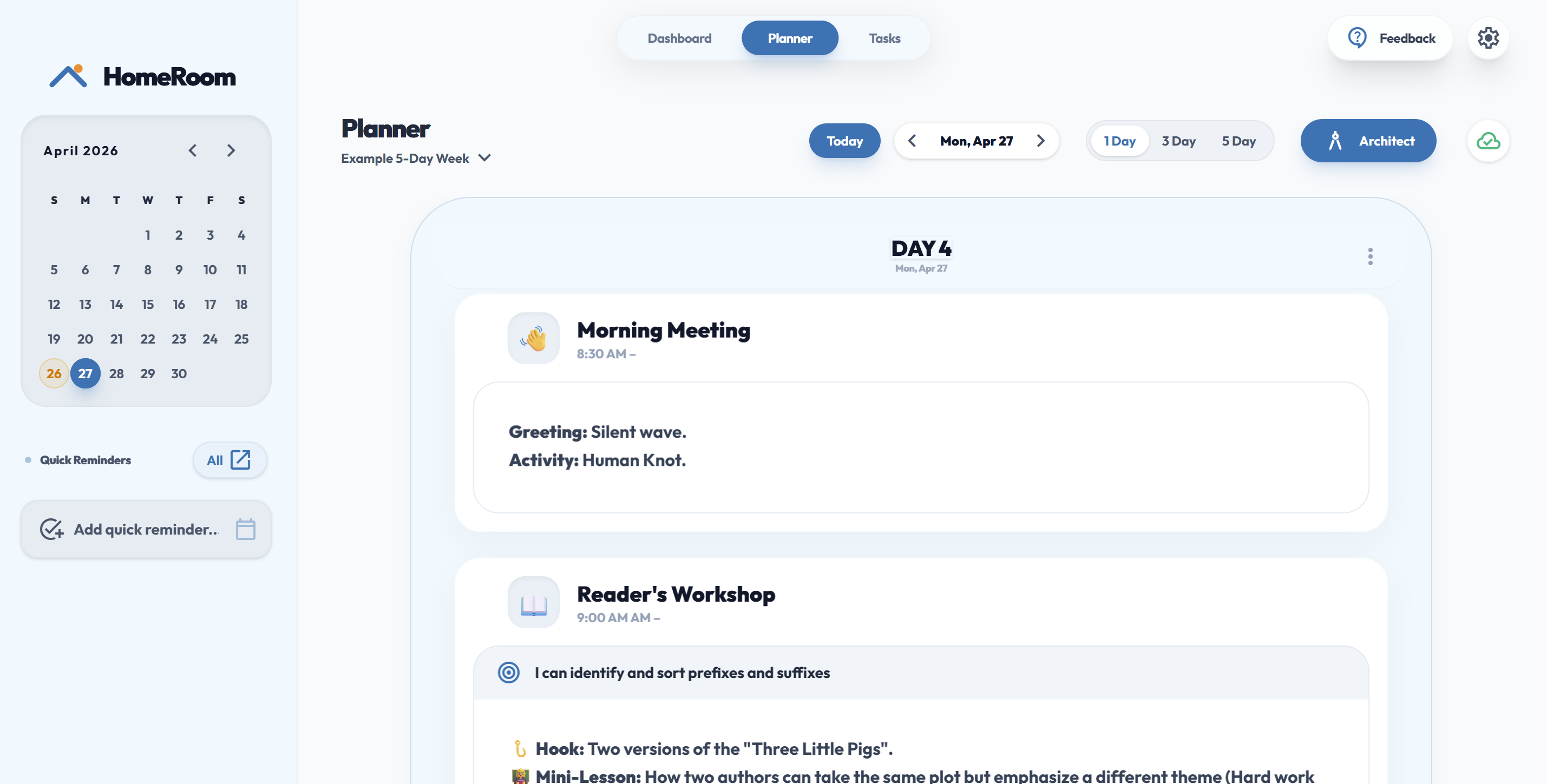
The Visual Day
Keep your morning moving with a visual schedule students can actually follow. Display timers and transition cues side-by-side to ensure your lessons flow seamlessly. Effortlessly embed Google Slides, Canva presentations, videos, and more for a visually stunning and perfectly organized classroom experience.
Software That Respects Your Classroom
No student accounts. No data harvesting. No nonsense.
| Feature | HomeRoom | Typical EdTech Platforms |
|---|---|---|
| Pricing | Free Preview + $2/mo or $20/yr | Subscription Required to Start |
| Setup | No Student Logins | Forced Student Accounts |
| Data Privacy | No Student Data Collected | Corporate Data Harvesting |
A teacher’s promise
The Standard is different here.
Every design choice in HomeRoom was made in the 5 minutes between recess duty and math class.
"I designed HomeRoom for my own classroom because I needed a better way to organize my planning and whiteboard display. It turns out, it was exactly what other teachers were looking for, too."
Educator & Developer
Transparent Pricing
No hidden fees. No "locked" essentials. Built for teachers.
HomeRoom Preview
Sign in with Google and start teaching in seconds. No setup, no credit card.
- Every widget and tool unlocked, nothing held back
- The full whiteboard dashboard and planner
- No student logins, ever
- Perfect for a real test drive in class
Preview sessions reset when you close them, so your work isn’t saved. Upgrade anytime to keep it.
HomeRoom Pro
Less than $2 a month. Your early adopter rate is locked in for good.
- Everything saves and syncs automatically
- Works on your phone, tablet, and classroom board
- Unlimited classes, layouts, and saved plans
- Encrypted cloud backup, restored in one click
- AI planning tools (coming late 2026)
Need a license for your whole school? Contact us for group rates.
Contact SalesFrequently Asked Questions
The questions teachers ask before they buy.
Can I try it before buying?
Yes. The free HomeRoom Preview gives you full access to every tool right now. No credit card required, just create a free account and start teaching.
What happens to my data if I stop paying?
Nothing bad. Your classroom data lives in your encrypted cloud account. We hold your cloud backup for 1 year after cancellation, and you can use the Export Backup button in Settings to download a full copy anytime.
Does my school IT department need to approve this?
HomeRoom runs entirely in your browser with no student accounts and no district data flowing through it. Most teachers use it independently without any IT setup.
What if my browser data gets cleared?
Preview users start fresh each session by design, so that's expected. Cloud users can restore everything in one click from their encrypted cloud backup, so clearing your browser cache is never a problem.